Duration: 5 minutes
Based on:
1.
2. Start linkage master
Type in PowerShell prompt and press Enter to execute
gh auth login3. Follow the steps of the master
3.1 Press Enter to continue with GitHub.com

3.2 Press Enter to continue with HTTPS

3.3 Press Enter to continue with GitHub credentials

3.4 Press Enter to continue with a web browser
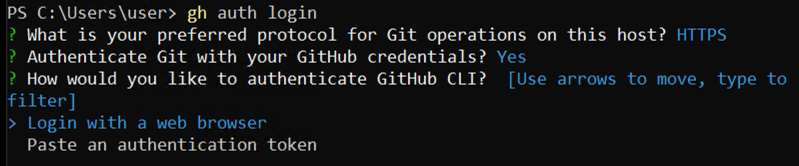
3.5 Select one-time code, right-click to copy it, and press Enter to open a browser
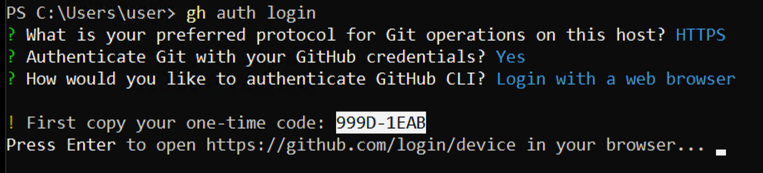
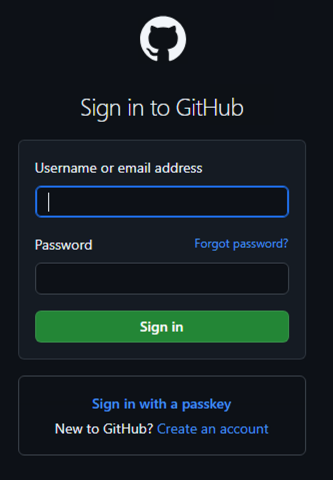
3.6 Enter your credentials and press Sign in button
3.7 Press Continue button
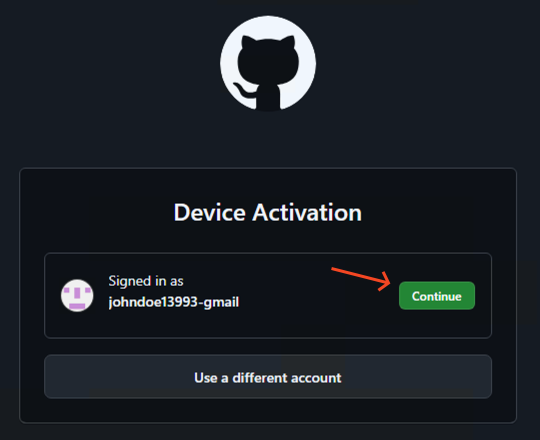
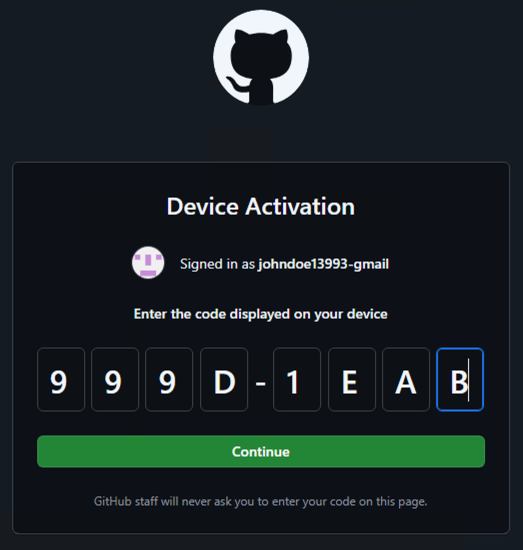
3.8 Paste one-time code and press Continue
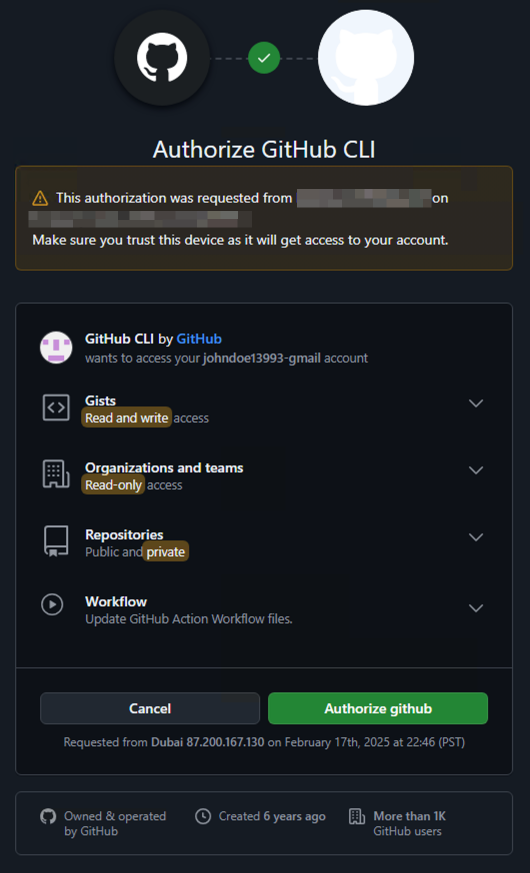
3.9 Press Authorize github button
3.10 Close the browser
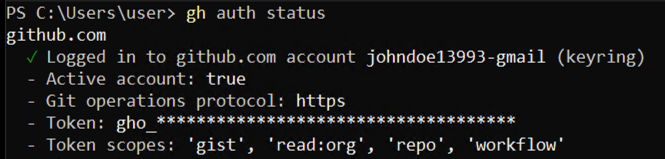
4. Check link status
Type in PowerShell prompt and press Enter to execute
gh auth status