
Duration: 2 minutes
1.
2. Check that GitHub CLI is installed
Type in PowerShell prompt and press Enter to execute
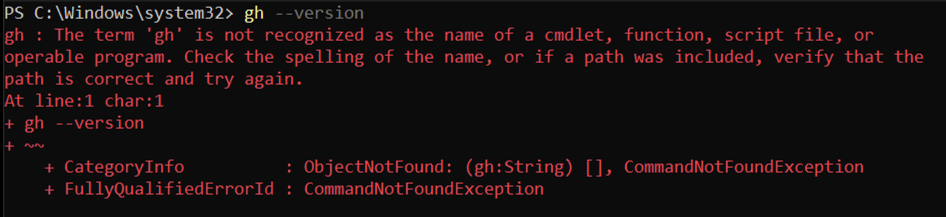
gh --versionIf some version is returned, then GitHub CLI is installed

If the error The term 'gh' is not recognized appears, then Git is not installed
3 Install GitHub CLI with WinGet
Type in PowerShell prompt and press Enter to execute
winget install --id GitHub.cli -e --scope machine