1. Open a browser and go to Google Account page accounts.google.com
2. Follow steps of the master
Click on Create account link and select For my personal use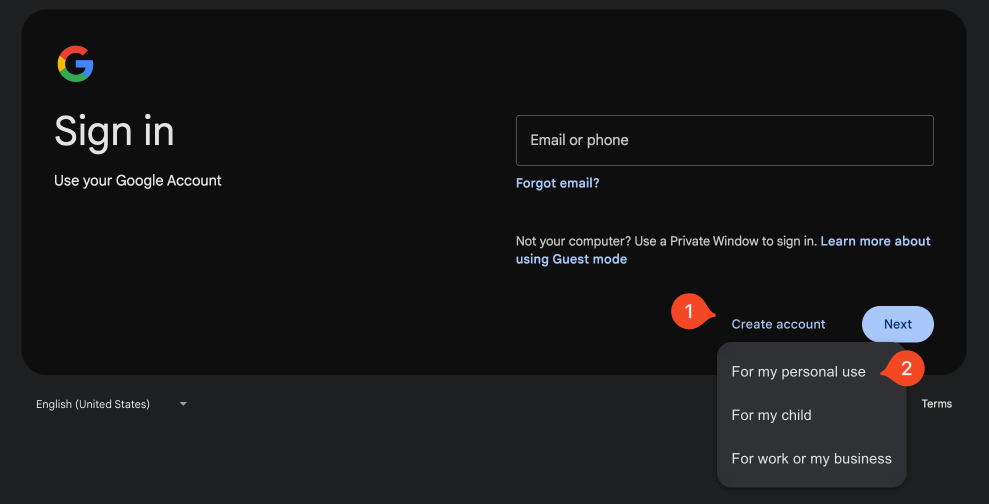
Specify name and press Next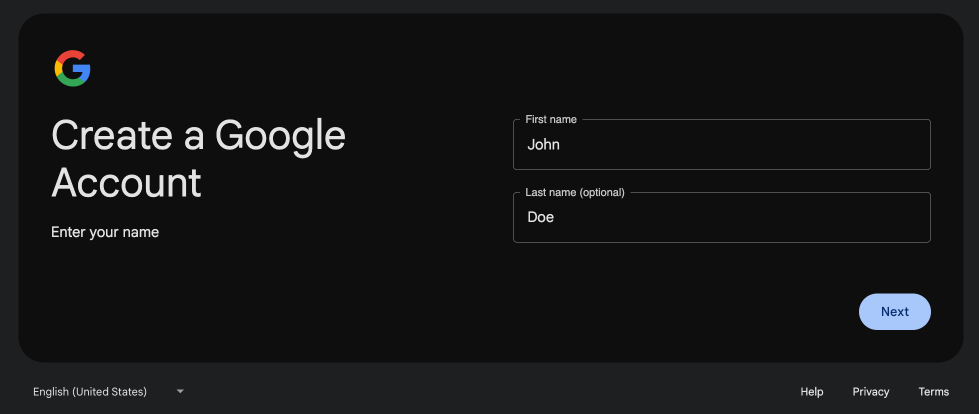
Specify birthday, gender and press Next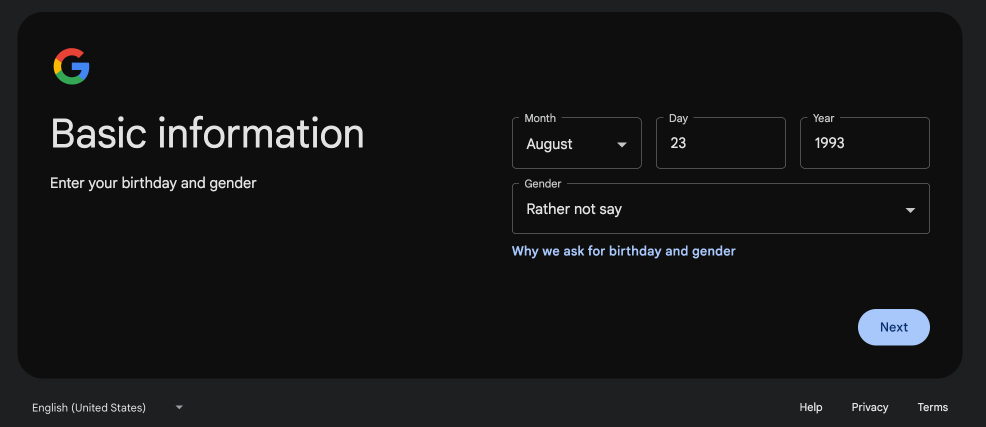
Specify desired email and press Next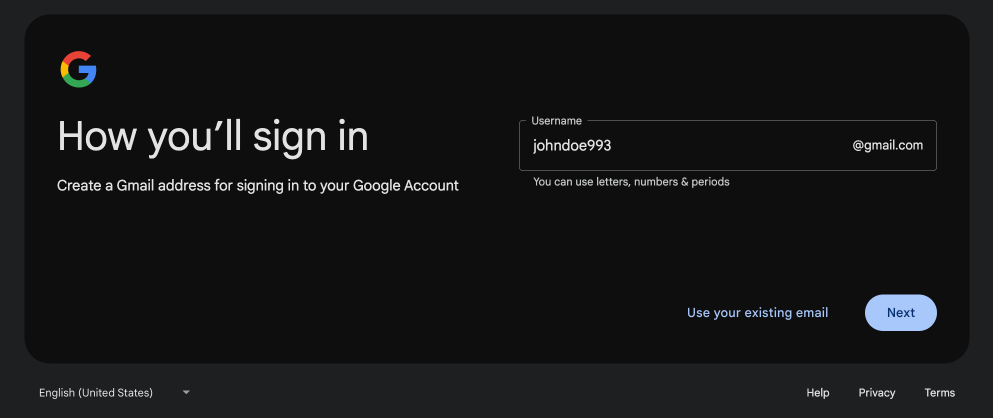
Specify password and press Next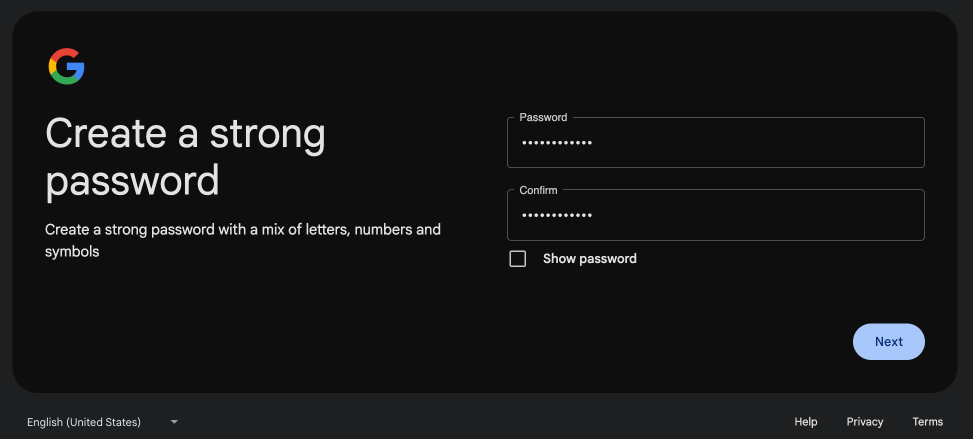
Specify phone number and press Next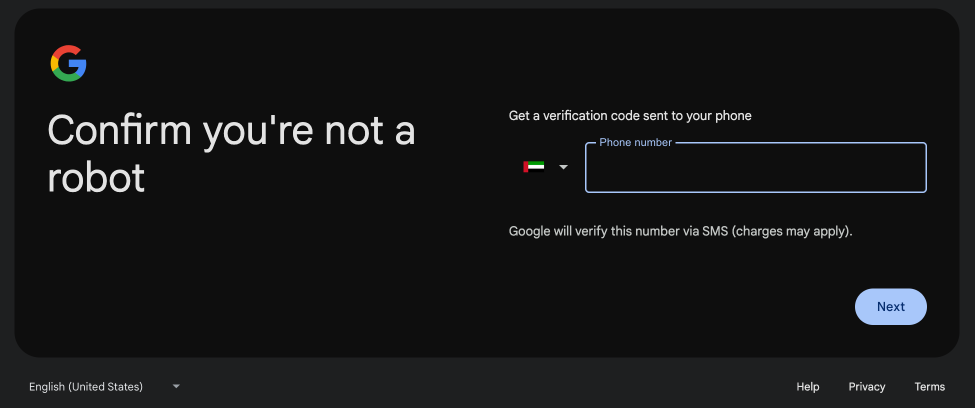
Enter the code from the SMS and press Next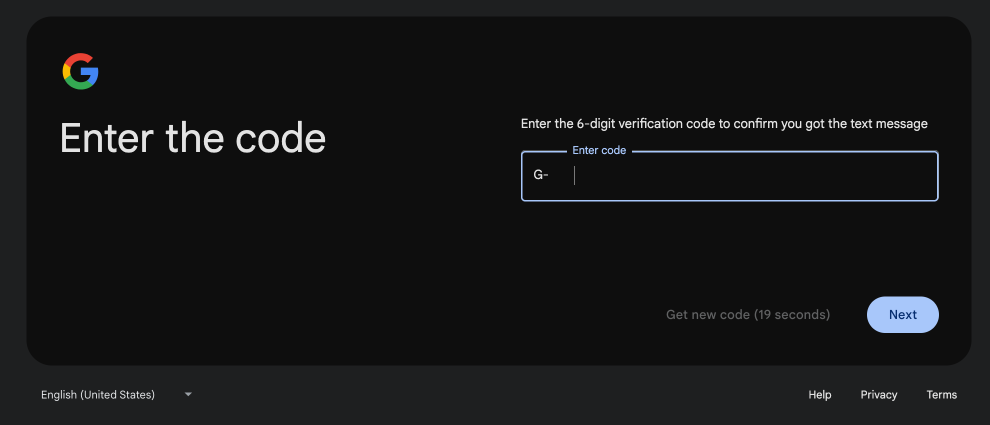
Skip addition of the recovery email by pressing Skip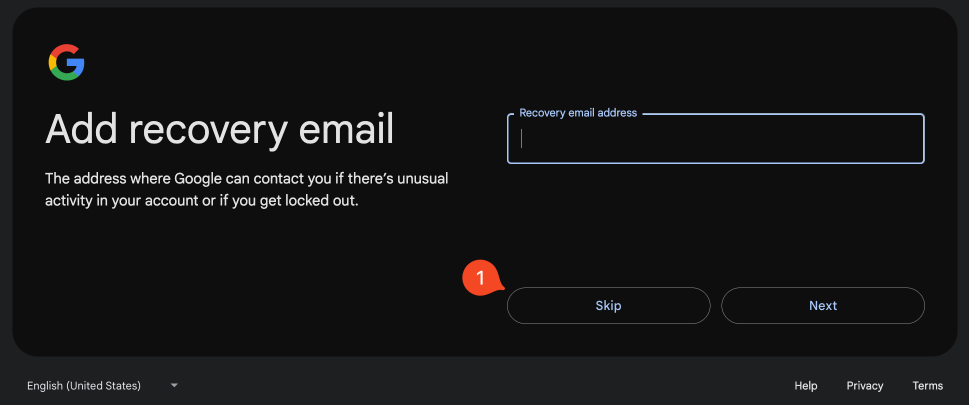
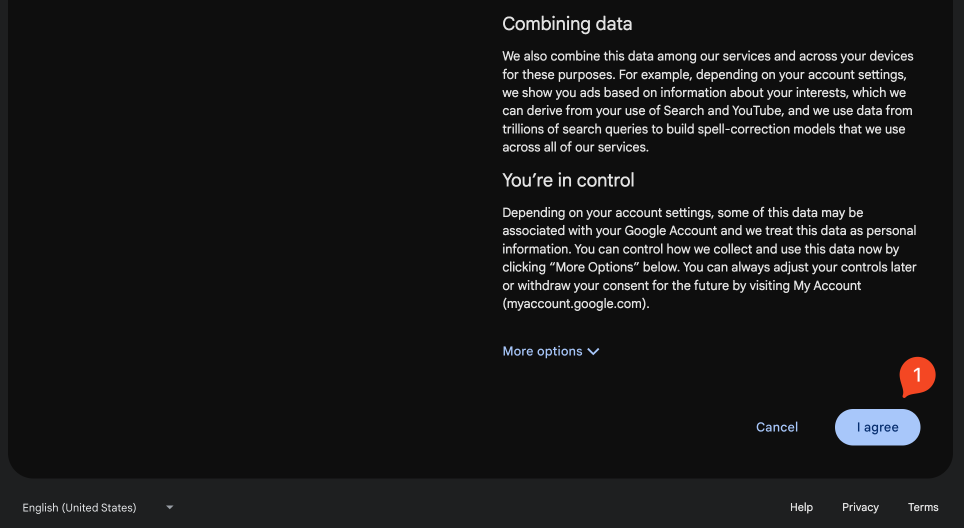
Accept terms by pressing I agree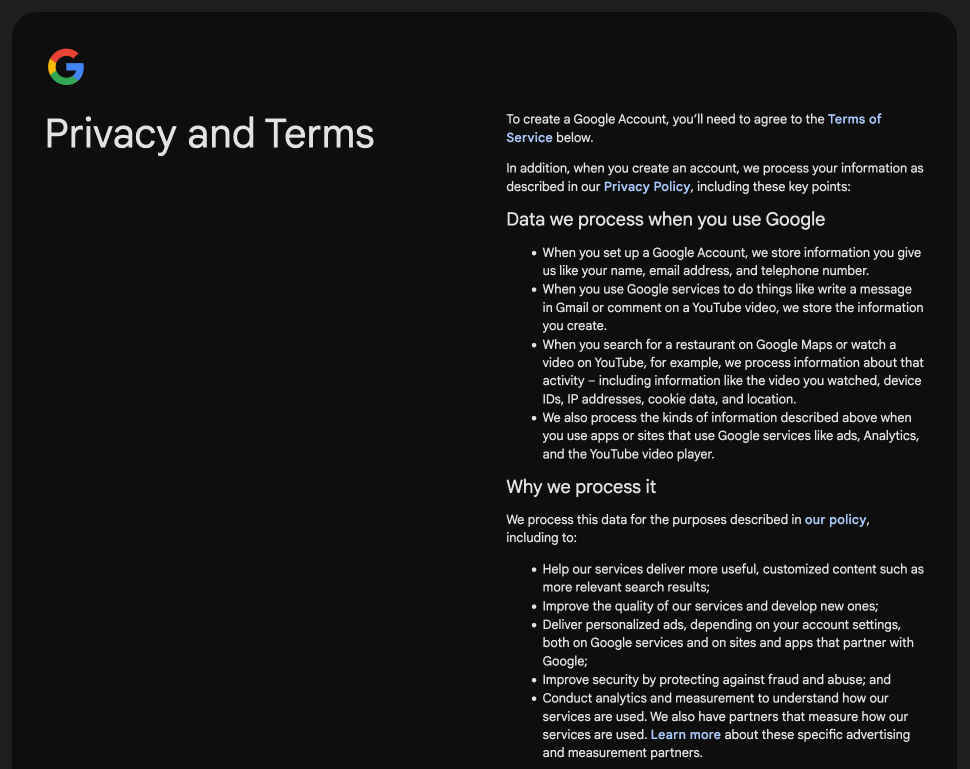
The Google Account page will be opened
Go to Gmail web app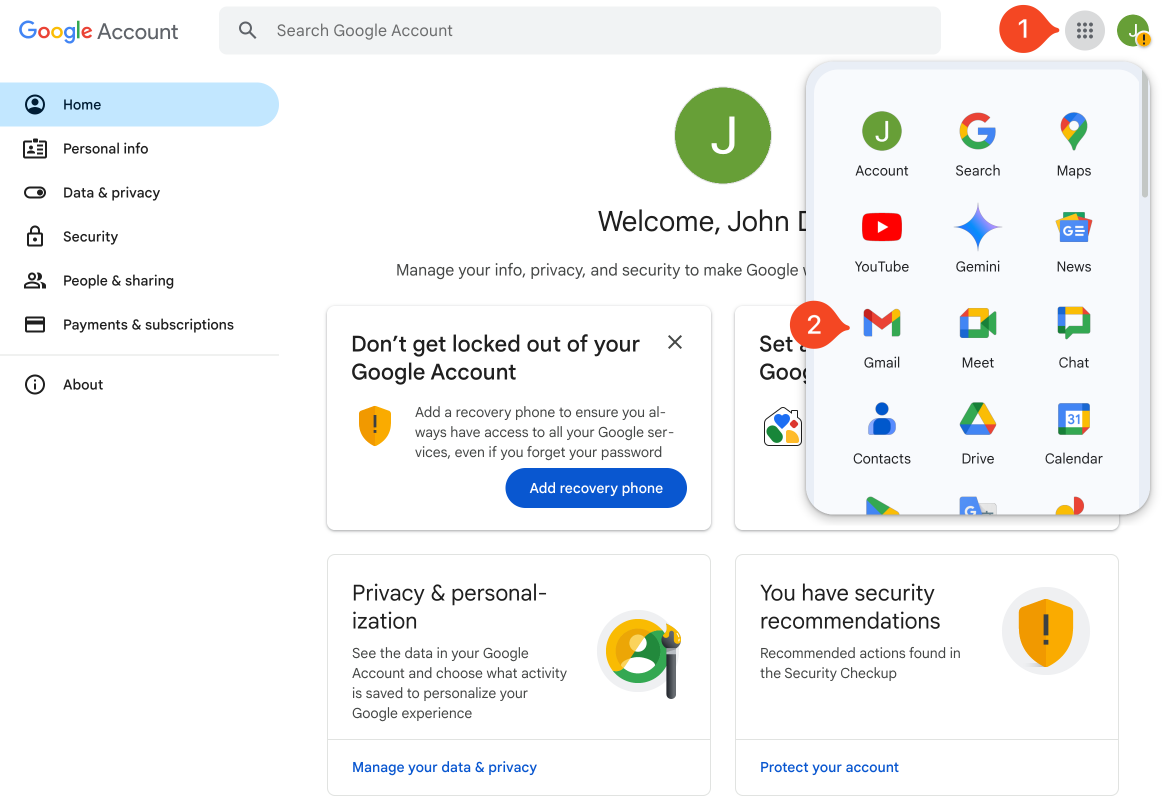
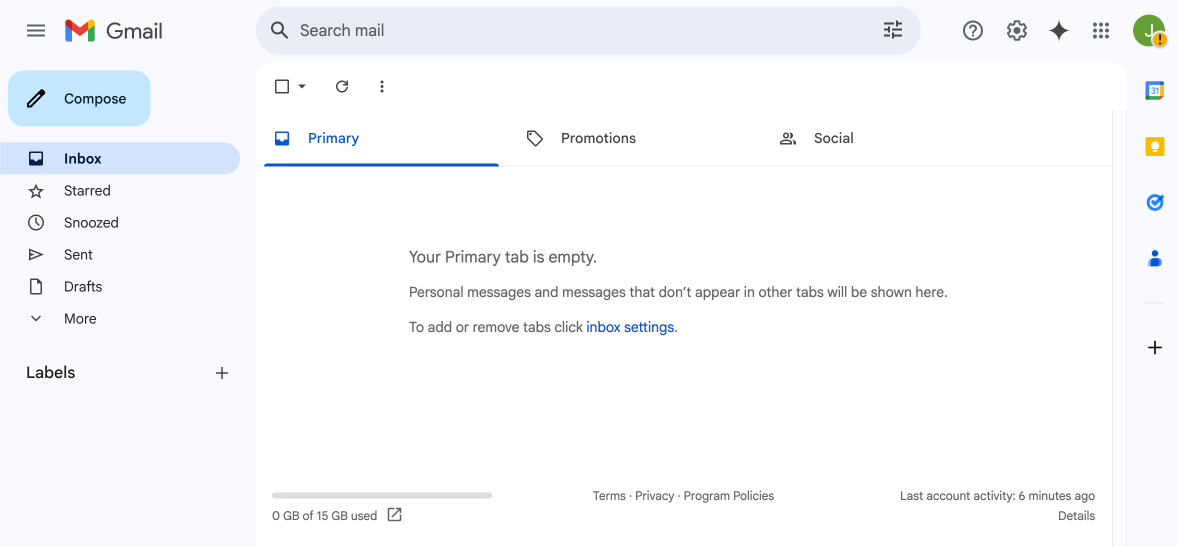
The email is ready for usage